How to Make the Alors on Danse AI Video from Two Photos
 just4.fun Studio
A practical photo checklist, the three-step workflow, and how to add the sound before posting.
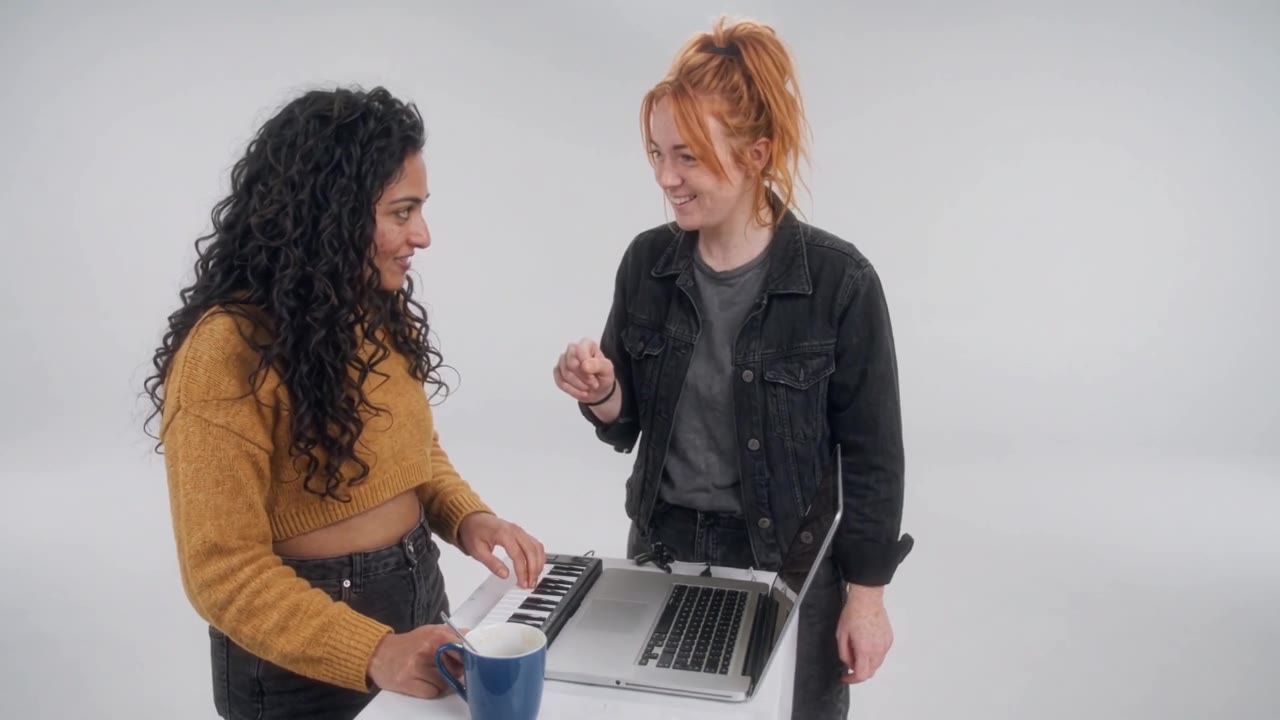
What you need
Two photos, one for each role:
- On the keys — the producer at the mini keyboard.
- The hype — the friend who points, talks and lunges into the lens.
You do not need a prompt, a timeline or a subscription. One generation uses one credit.
The photo checklist
The model can only work with what it can see. These details matter more than the background:
- One person per photo. Group shots make the role ambiguous.
- Face large and sharp. Waist-up is better than a tiny full-body shot.
- Face the camera. Eyes visible, no sunglasses or masks.
- Normal light. Avoid heavy filters, deep shadows and strong colour casts.
- Bold clothes help. A bright jacket reads well against the white studio.
A calm, straight-on photo works for the keys player. The most expressive photo works for the hype.
Three steps
1. Upload both photos
Open the studio and add one photo to each slot. You can add an optional note if there is a detail you want to keep, such as a jacket, glasses or a hairstyle.
2. Generate the scene
Press Generate video. The model builds the white studio, the keyboard, the lunge, the close-up and the jogging dance. The scene is 20 seconds, 16:9 and 720p, with no watermark.
Generation can take a few minutes. You can keep the page open or come back later; the task stays in your account.
3. Download and post
Download the MP4, then add “Alors on danse” by Stromae from the TikTok or Instagram sound library. The video is intentionally silent so the platform’s licensed sound can be used.
For the timing, try to land the chorus as the close-up hits.
What can go wrong
- The faces look only loosely like you. Try sharper, better-lit photos with a clear view of the face.
- A generation fails. The credit is returned automatically. Retry with different photos.
- The motion is not exact. AI performance varies between takes; the scene is a parody, not a frame-accurate copy.
Consent and labelling
Only upload photos of people who agreed to be in the video. When you post, turn on the platform’s AI-generated content label and keep the result a parody.
Two photos are enough. Make your version.