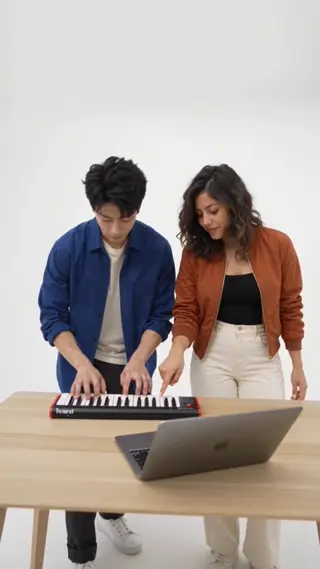
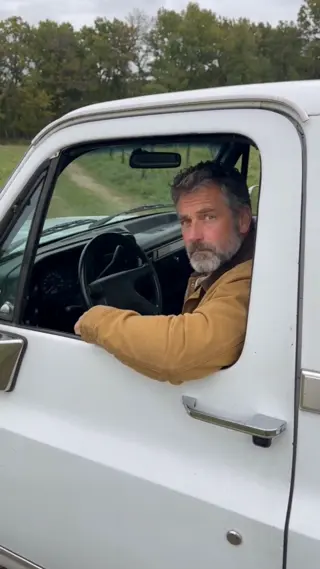
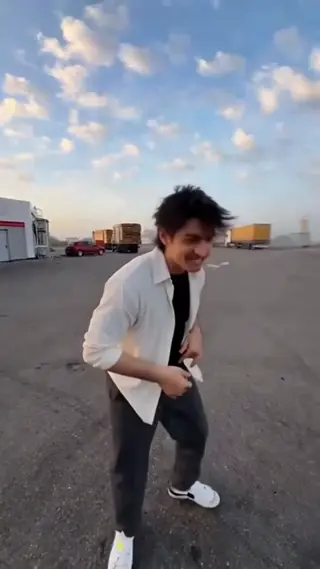
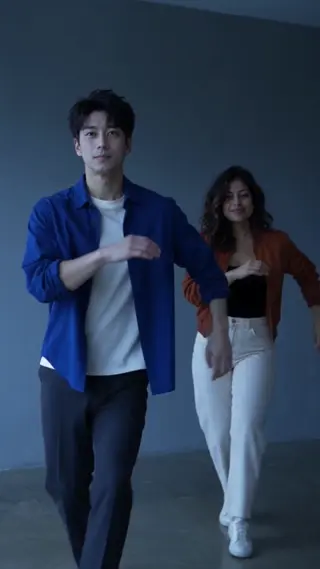
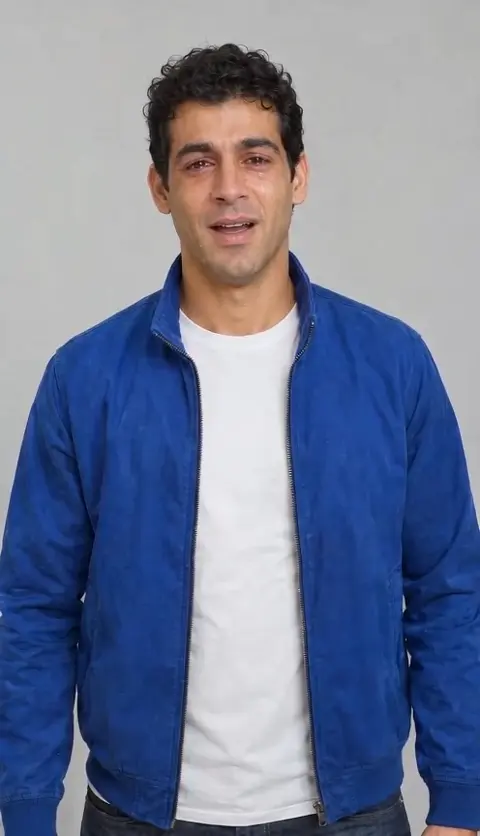
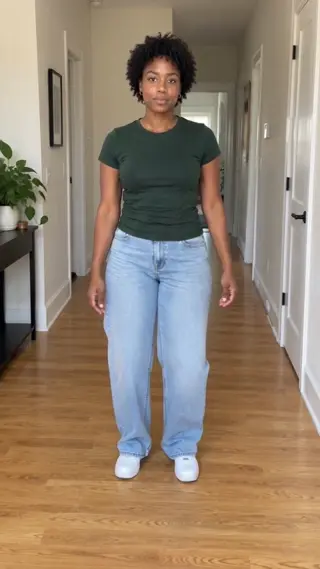
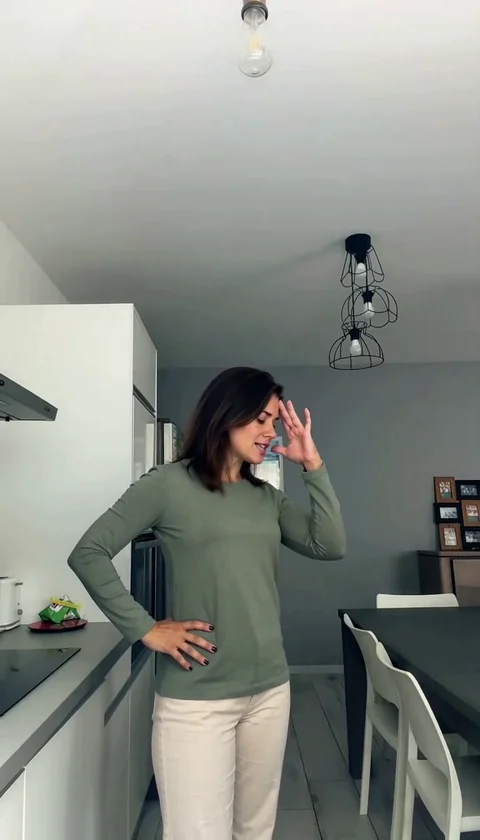
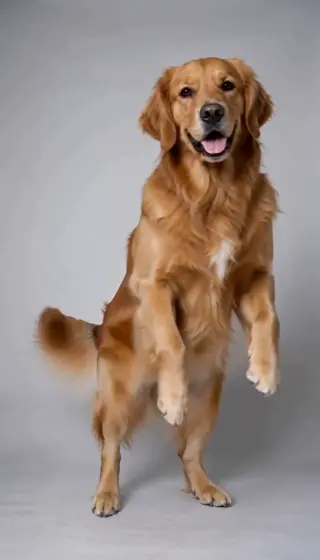
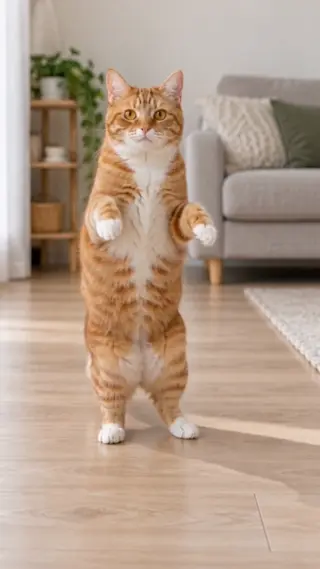
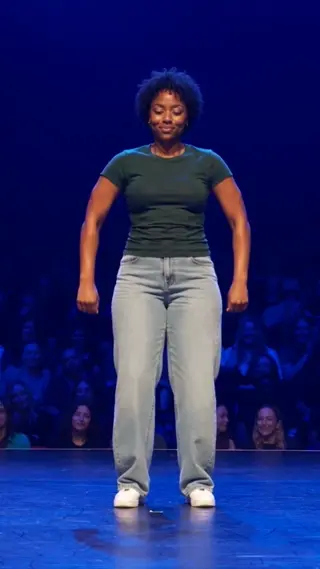
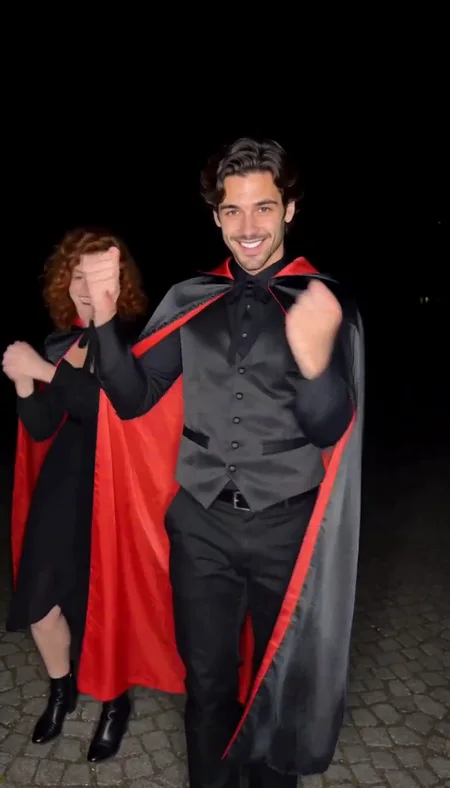
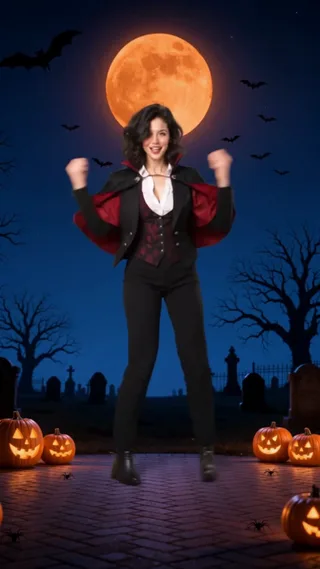
The trend, explained
Zombie Video: the trend behind the effect.
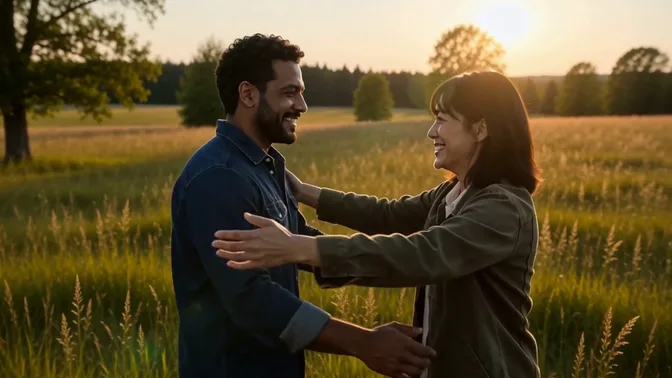
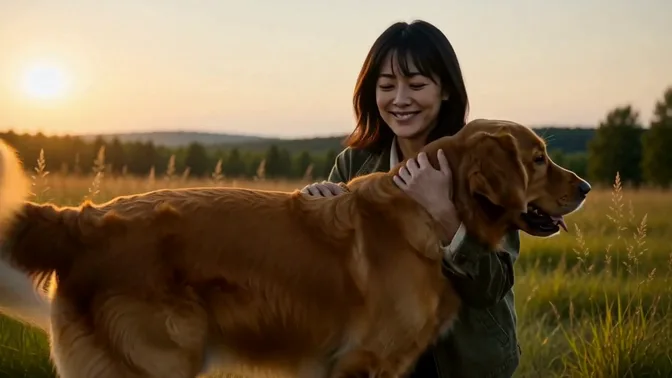
AI Zombie Video turns two photos into a cinematic apocalypse memory: a survivor and a partner — or a pet — share one last moment while the world falls apart behind them.
The result is a 20-second, 720p MP4 with no watermark. One credit is used per render, and a failed generation returns its credit automatically. Keep the source photos sharp; the built-in scene handles the camera, timing and lighting, so you can post the take as-is or add your own licensed sound. Preview the take before you share it, and only use photos of people who agreed to be in it.
Origin
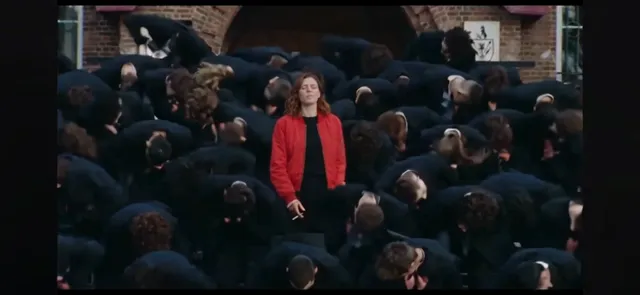
The trend plays on the zombie-apocalypse daydream: what would you do, and who would you hold, at the end of the world? The visual language comes from survival films — smoke, grey light, a desperate embrace — but the tone is sentimental rather than gory.
The AI version uses two photos in a fixed order: the survivor first, then the partner or pet. A built-in shot list handles the leap, the embrace and the final look, so the result reads like a short film trailer rather than a static portrait.
How the AI remake works
The survivor goes in the first slot and the partner or pet in the second. Each photo should contain one clear subject; the built-in shot list handles the leap, the embrace and the final look into the distance.
The mood is cinematic and emotional rather than gory: smoke, grey light and a last-moment embrace. Serious expressions and soft, even lighting fit the scene better than bright smiling headshots.
If the scene feels too dark, use a photo with soft daylight; the built-in grade is intentionally grey. Regenerate if a pet’s face morphs, and avoid busy backgrounds that compete with the smoke.
Timeline
The apocalypse edit
Grey-light survival scenes become a couple and pet trend on short video.
The two-photo format
Creators pair a survivor portrait with a partner or pet for the final-moment shot.
Now
AI remakes add smoke, camera moves and a cinematic final embrace.
Photo tips
Survivor photo first
Upload the main survivor in the first slot; the model builds the reaction shot around that face.
Partner or pet photo second
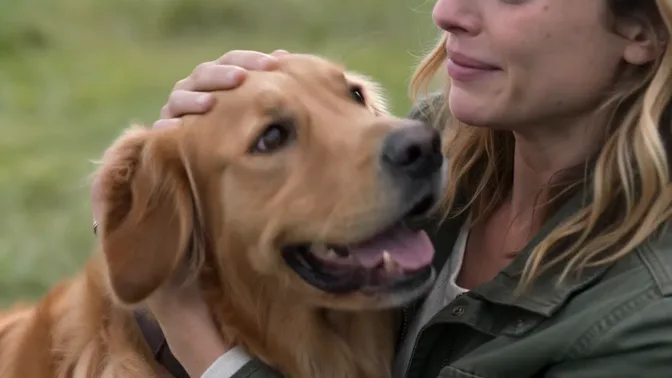
Use a clear, single-subject photo. Pets work when the face and fur pattern are visible.
Keep the tone cinematic
Neutral or serious expressions fit the scene better than bright smiling headshots.
FAQ
How many photos does the zombie effect need?
+
Two: the survivor first, then the partner or pet. Both photos should show one clear subject each.
Can I use my dog or cat?
+
Yes. The second slot is designed for a partner or a pet. Use a sharp photo where the animal’s face is unobstructed.
Is the result gory?
+
No. The effect aims for a cinematic, emotional apocalypse scene — smoke, grey light and a final embrace — rather than horror gore.
Last updated November 2, 2026