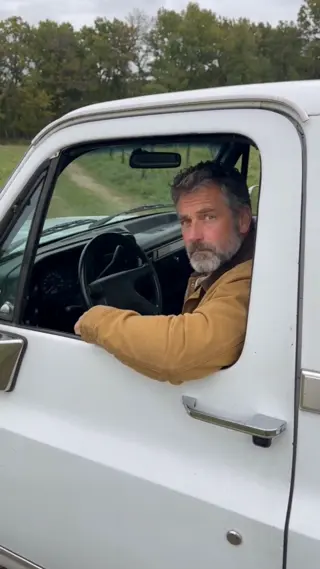
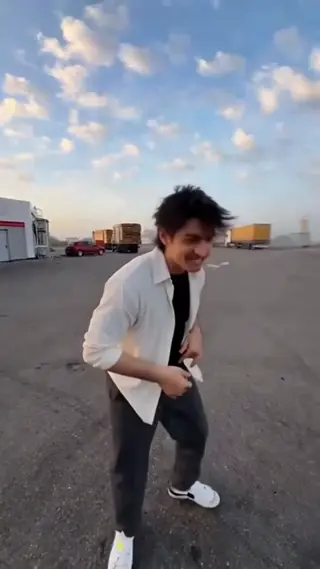
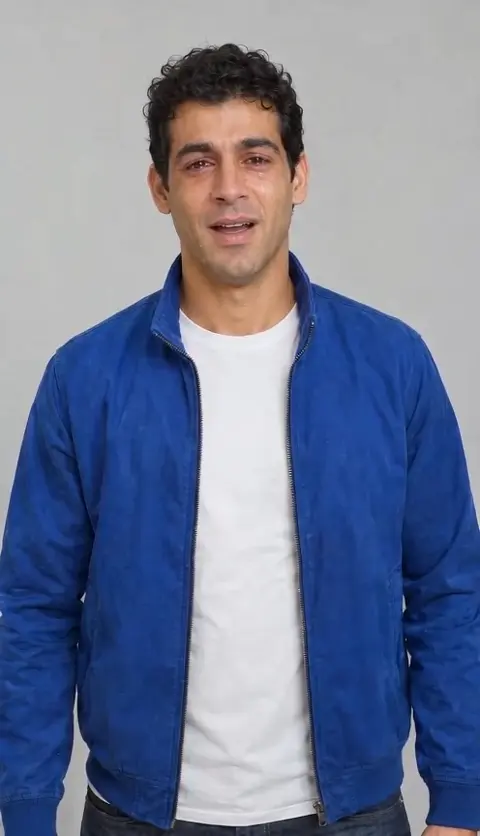
The trend, explained
Hotel Lobby: the trend behind the effect.
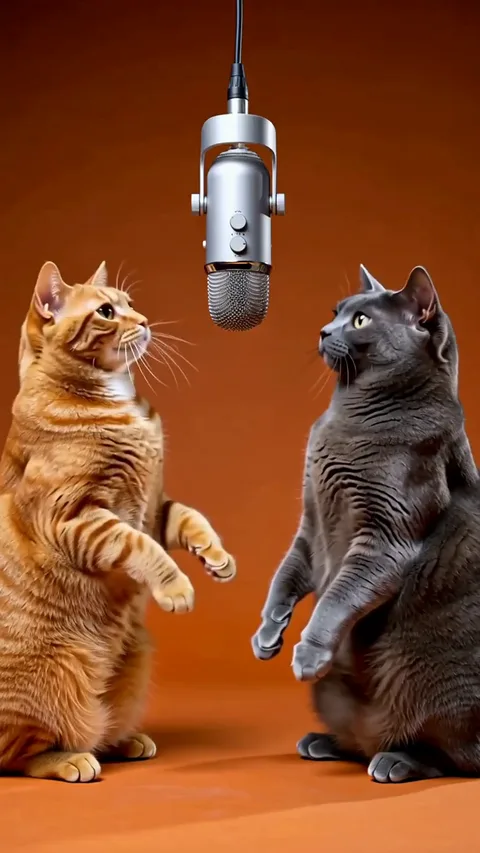
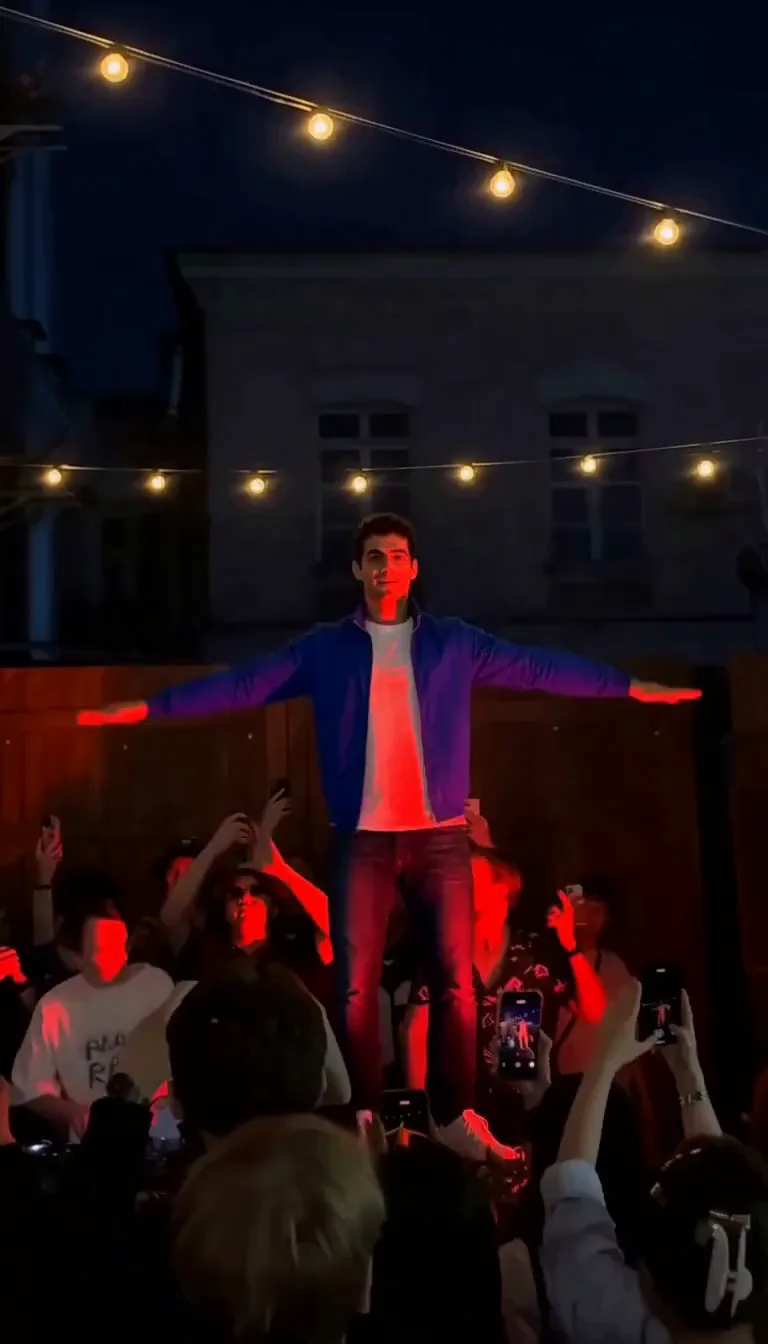
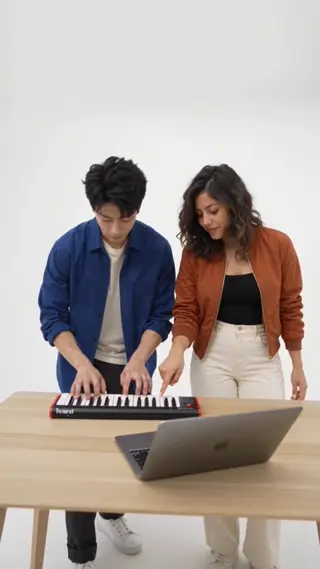
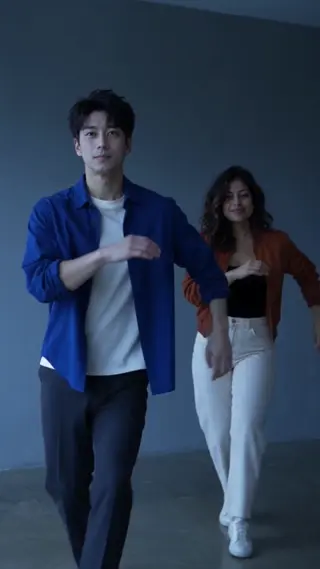
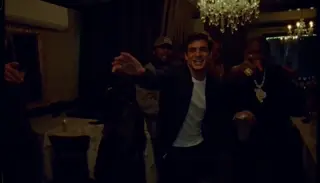
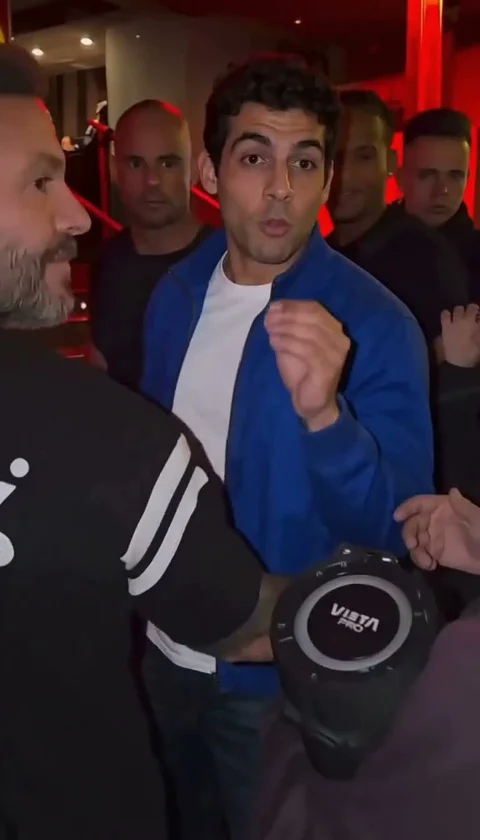
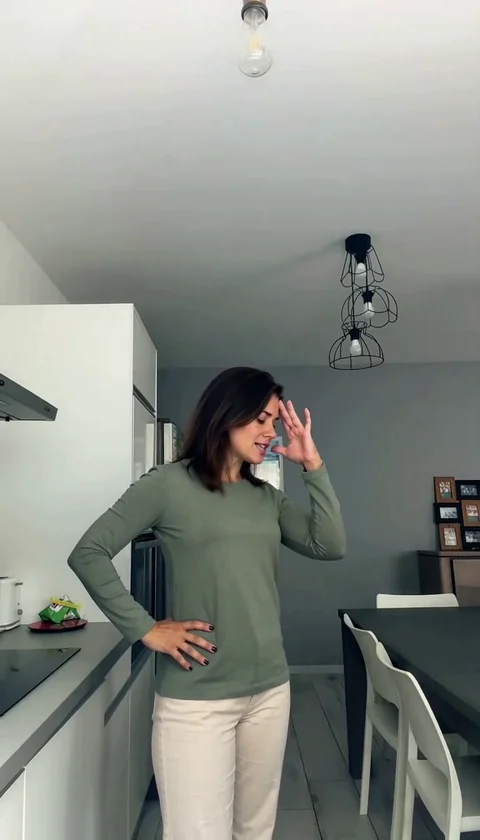
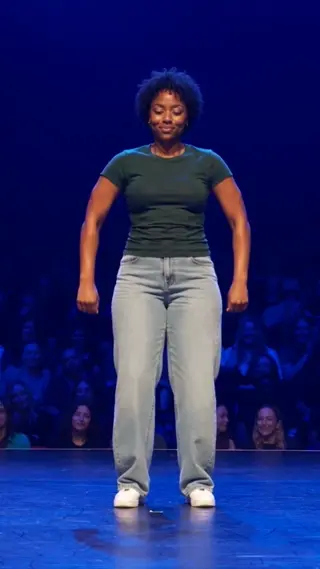
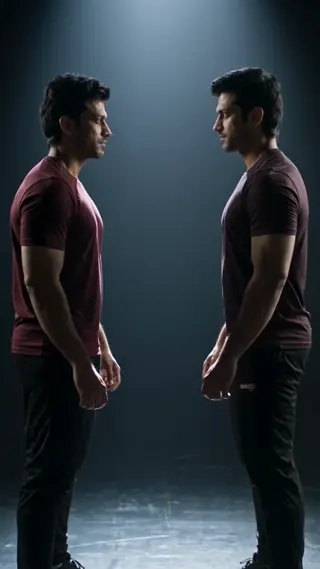
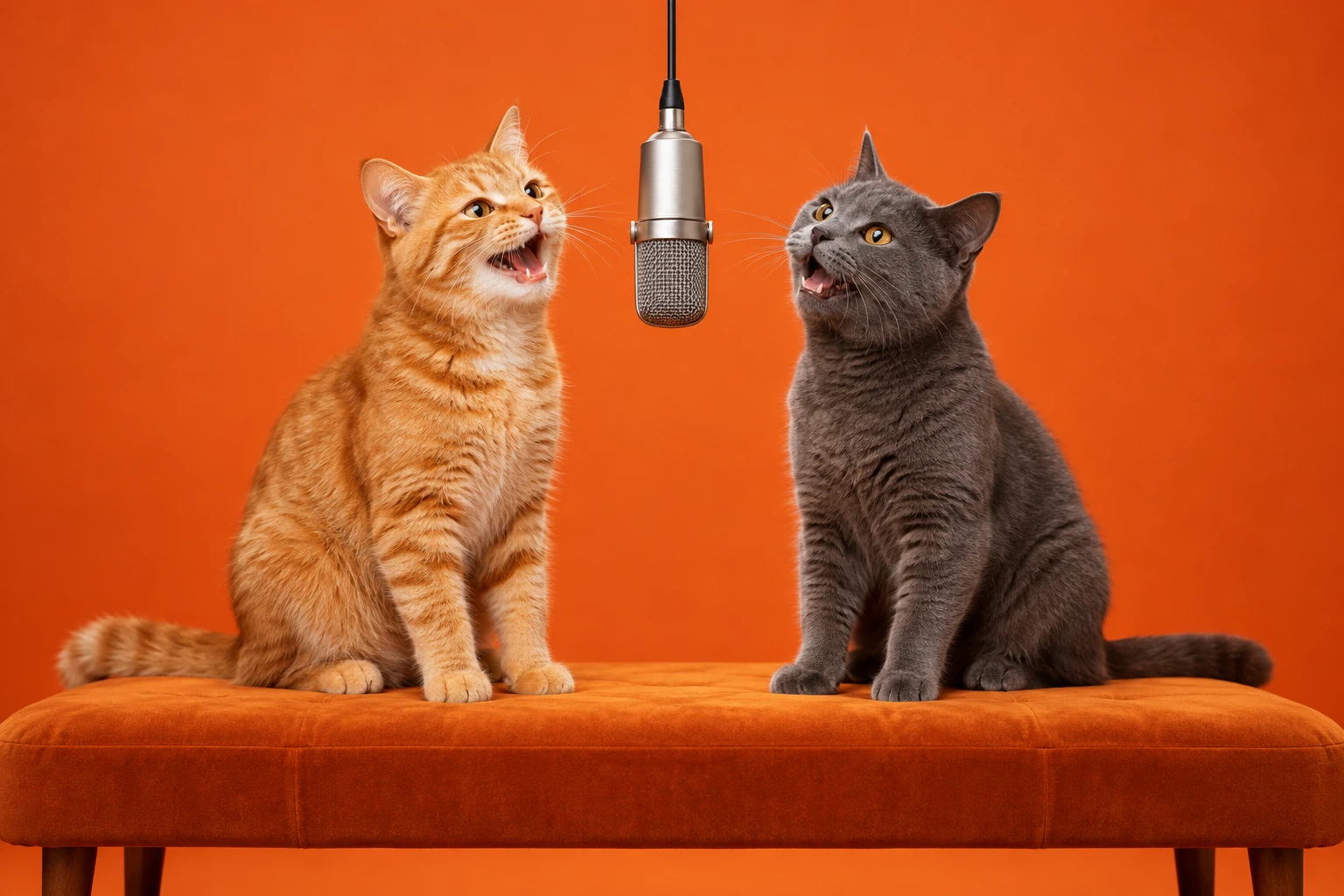
Hotel Lobby AI is a flexible cast effect: perform a lobby rap as a duet, go solo, or put a pet into the second role. The polished interior and the hanging microphone stay in the scene.
The result is a 20-second, 720p MP4 with no watermark. One credit is used per render, and a failed generation returns its credit automatically. Keep the source photos sharp; the built-in scene handles the camera, timing and lighting, so you can post the take as-is or add your own licensed sound. Preview the take before you share it, and only use photos of people who agreed to be in it.
Origin
The trend takes a hotel-lobby performance setup — hard floors, warm lamps, a microphone hanging into frame — and turns it into a short rap or dance skit. The contrast between the formal room and the loose performance is the joke.
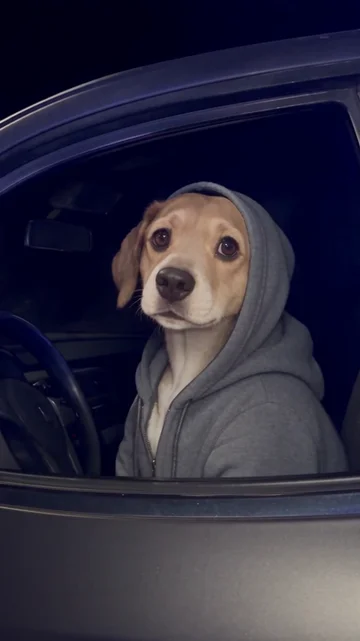
The AI version offers three casts. Duet gives you two performers, Solo keeps one, and Pet duet swaps the second role for a cat or dog. Each mode changes the photo requirement, not the room.
How the AI remake works
Each cast mode changes the photo count and the staging: Duet gives you two performers, Solo keeps one, and Pet duet swaps the second role for an animal. Choose the mode before uploading so the labels and slots match.
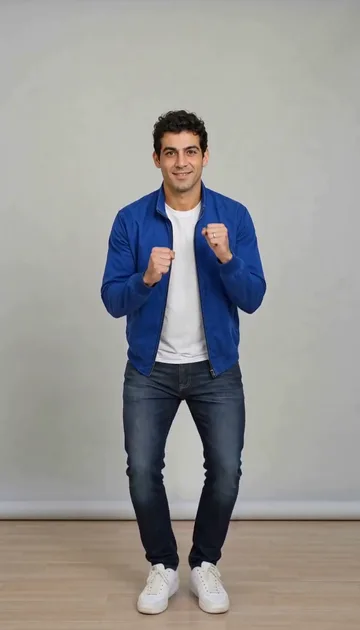
The lobby, the hanging microphone and the camera push-in are fixed. The model concentrates on matching faces, hair and outfits to your photos, so full-body shots are useful when the scene shows legs and shoes.
If the lobby scale looks off, a full-body photo helps; for Pet duet, match the pet and human lighting. Replace a single slot rather than adding instructions when only one performer looks wrong.
Timeline
The lobby clip
A hotel-lobby performance becomes a viral skit format.
Duet and pet remixes
Creators add a second performer or a pet and re-time the punchline.
Now
Photo-driven AI versions keep the lobby, microphone and camera push-in.
Photo tips
Pick the cast first
Choose Duet, Solo or Pet duet before uploading so you know how many photos and which labels to use.
Use full-body or waist-up shots
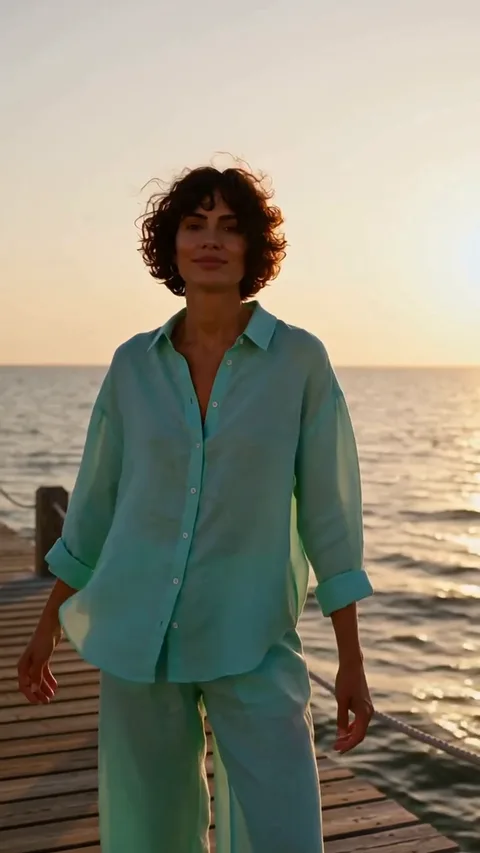
The lobby scene shows legs and shoes; a waist-up photo still works, but full-body framing gives the model more to work with.
Pets need a clear face
For Pet duet, use a photo where the animal’s eyes and fur pattern are clearly visible.
FAQ
How many photos does Hotel Lobby need?
+
It depends on the cast: two for Duet, one for Solo, and two for Pet duet. Switch modes in the composer and the upload slots change with it.
Can I use a cat or a dog in the duet?
+
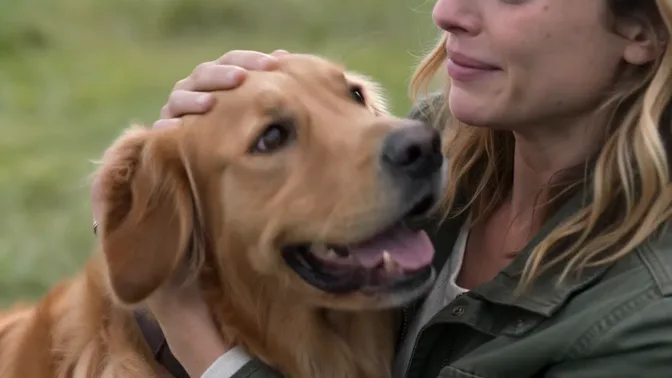
Yes. Pet duet is built for it. Use one clear pet photo and one human photo, and keep the pet’s face unobstructed.
Is the original sound included?
+
No. The clip is silent and meant to be paired with a licensed track or your own voiceover.
Last updated November 2, 2026