The trend, explained
Rumpelstiltskin: the trend behind the effect.
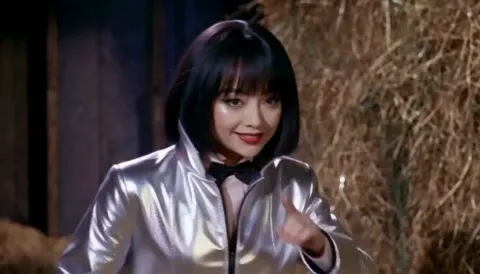
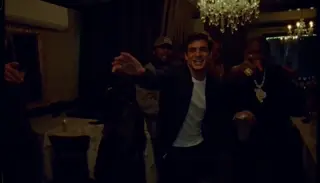
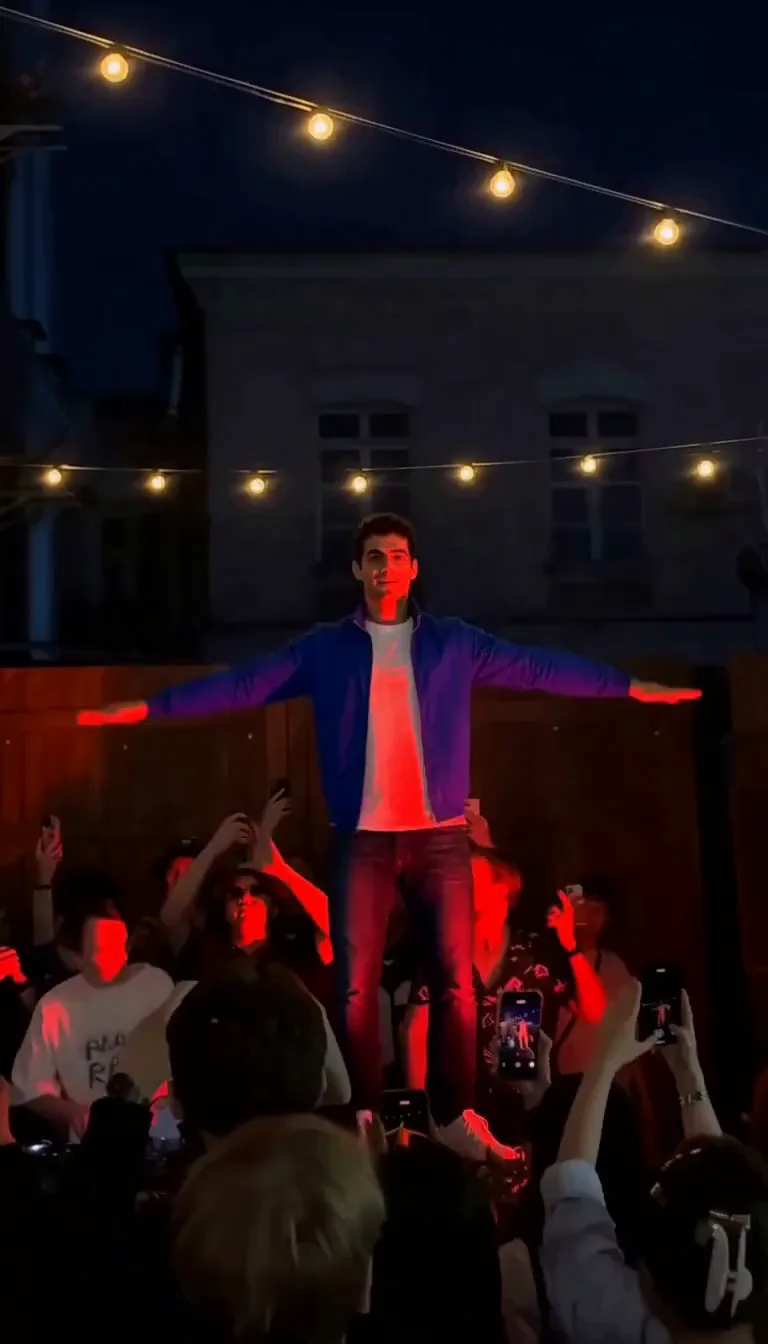
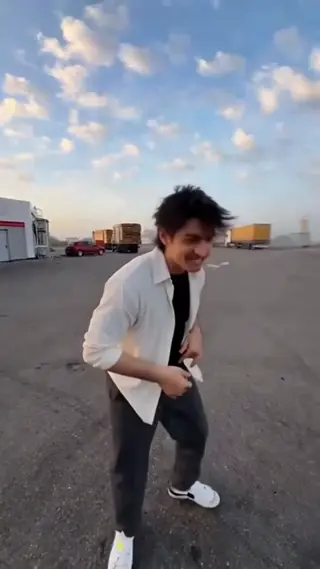
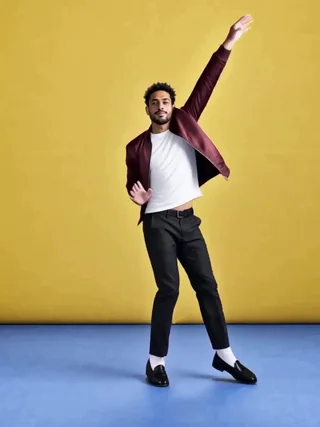
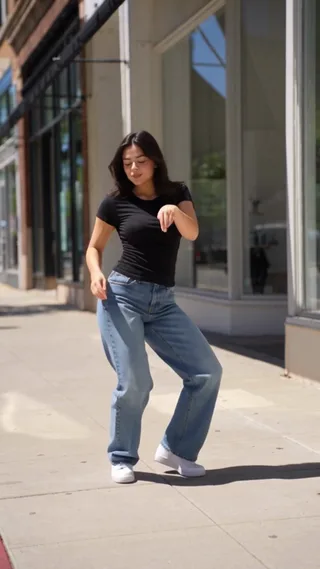
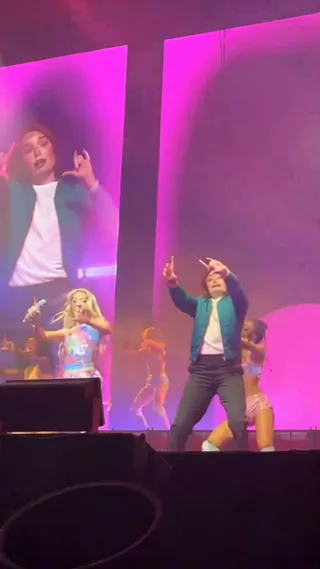
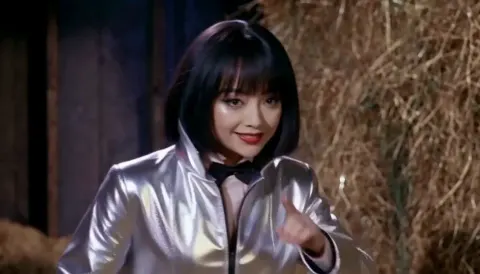
Rumpelstiltskin AI recreates the viral tiptoe dance: a dancer shuffles and spins while a seated watcher reacts from the edge of a barn-like set.
The result is a 20-second, 720p MP4 with no watermark. One credit is used per render, and a failed generation returns its credit automatically. Keep the source photos sharp; the built-in scene handles the camera, timing and lighting, so you can post the take as-is or add your own licensed sound. Preview the take before you share it, and only use photos of people who agreed to be in it.
Origin
The name comes from the Brothers Grimm fairy tale, but the scene is pure short-video: a dark barn, a seated observer and a dancer who tiptoes, shushes and spins on the beat. The watcher’s deadpan reaction is half the joke.
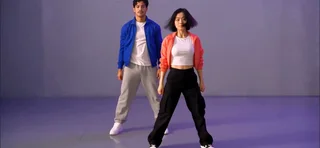
The AI effect lets you replace the dancer, or both people. One photo keeps the original watcher; two photos replace the full cast. The included movement reference guides the tiptoe steps and the final close-up on the shoes.
How the AI remake works
One photo replaces the dancer and keeps the original seated watcher; a second photo replaces both people. The movement reference guides the tiptoe shuffle, the shush, the spin and the final shoe close-up.
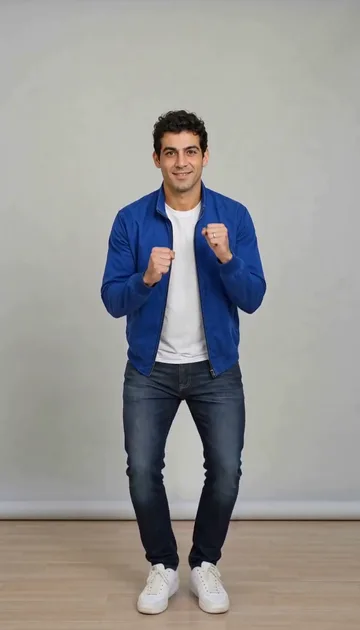
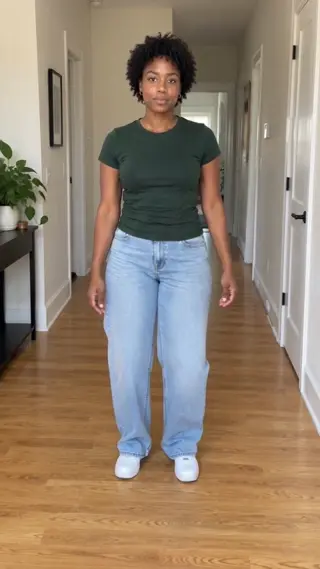
Full-body or three-quarter photos give the model more to work with than tight headshots. Distinct silhouettes and colours help it track the dancer through the spins; add an instruction if the watcher should stay in the same outfit.
If the dancer’s feet disappear, a full-body photo is the fix; if the watcher looks odd, switch to the two-photo mode. The export is silent, so the soundtrack is added after the render.
Timeline
The tiptoe clip
A barn-set dance with a seated watcher becomes a duet template.
The reaction wave
Creators reuse the watcher’s reaction and add their own punchlines.
Now
One- or two-photo AI versions rebuild the dance around your cast.
Photo tips
Dancer photo
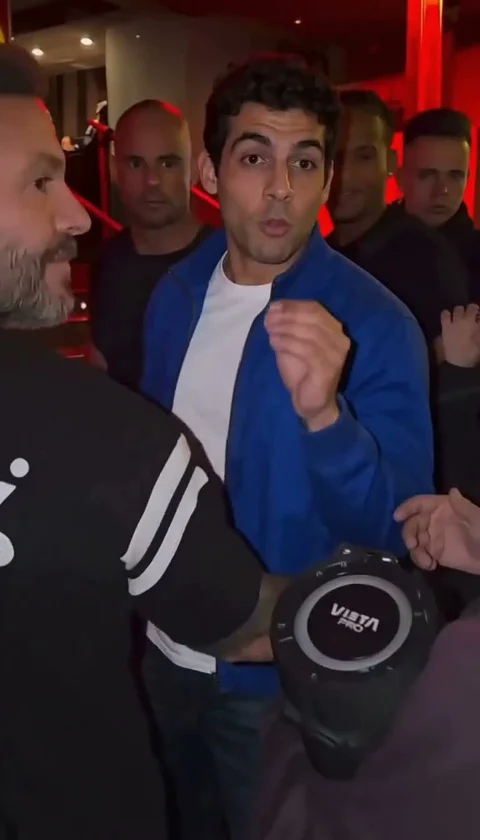
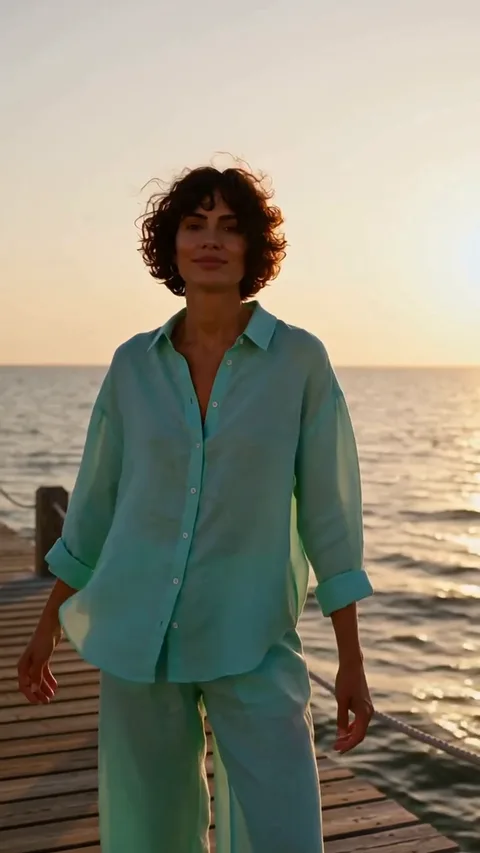
Use a full-body or three-quarter shot if you can; the effect needs arms and legs to sell the tiptoe steps.
Watcher photo is optional
Leave the second slot empty to keep the original seated watcher, or add a photo to replace both roles.
Keep the outfit readable
Distinct silhouettes and colours help the model track the dancer through the spins.
FAQ
Do I need one or two photos?
+
One replaces the dancer and keeps the original watcher. Two replace both people. The “Dancer + watcher” mode marks the watcher slot optional.
Will the tiptoe choreography be exact?
+
The movement reference guides the shuffle, shush, spin and shoe close-up, but generated likeness and footwork can vary from take to take.
Does the video have sound?
+
No. The render is silent; the original soundtrack is added in your editor or the platform’s sound library.
What if I only have a headshot?
+
The effect still runs, but tight headshots give the model less information for the full-body tiptoe steps. A waist-up or full-body photo produces a more convincing dance.
Last updated November 2, 2026