



The trend, explained
STORM II: the trend behind the effect.
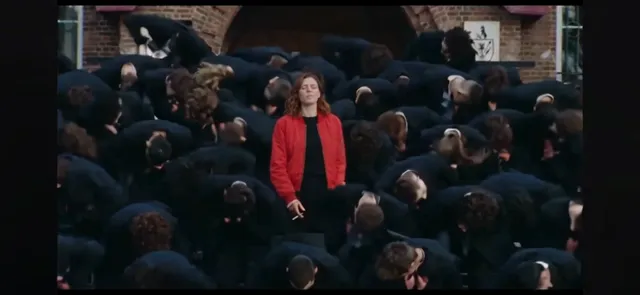
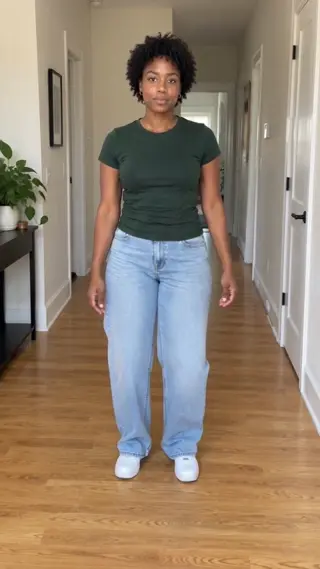
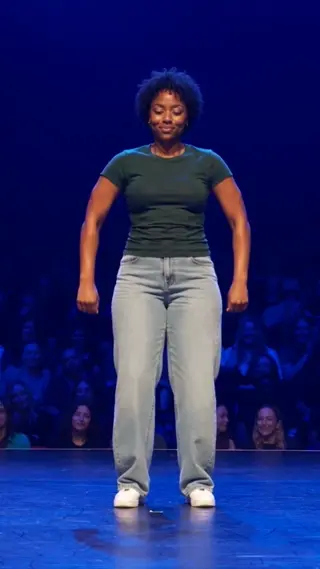
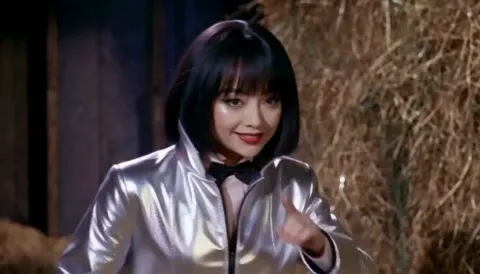
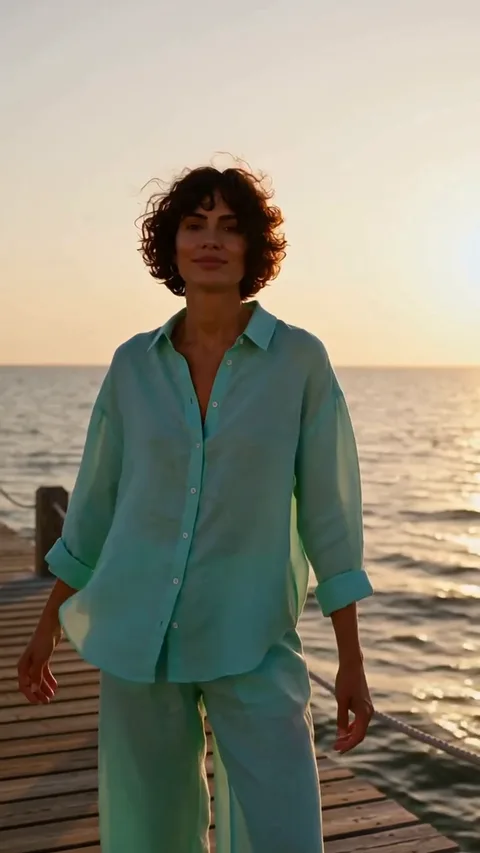
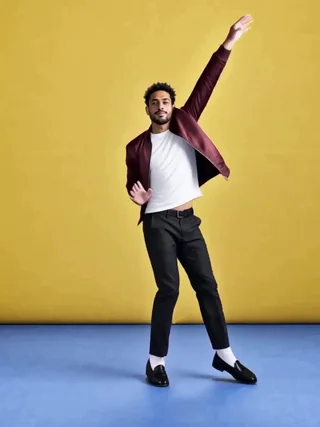
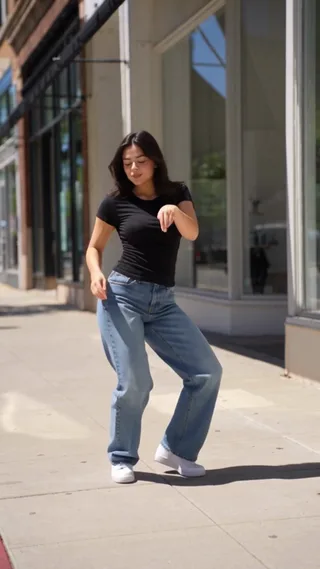
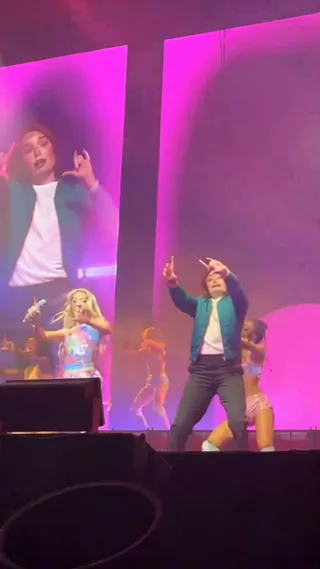
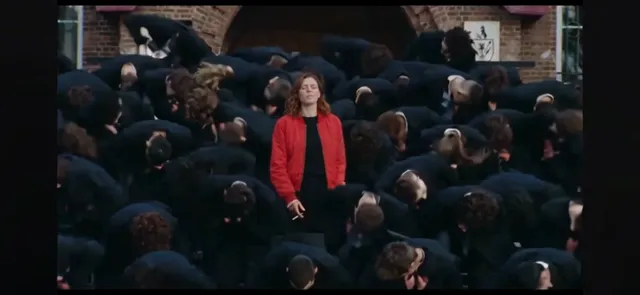
STORM II AI puts one photo into a crowd-dance clip: a central lead drives the choreography while a packed crowd moves behind them.
The result is a 20-second, 720p MP4 with no watermark. One credit is used per render, and a failed generation returns its credit automatically. Keep the source photos sharp; the built-in scene handles the camera, timing and lighting, so you can post the take as-is or add your own licensed sound. Preview the take before you share it, and only use photos of people who agreed to be in it.
Origin
STORM II is built around a crowd-performance clip — a lead dancer, a tight formation and a camera that stays low and close. The song and the crowd noise are part of the original upload, but the scene works as a silent loop too.
The AI version replaces the central lead and keeps the crowd. That is why the effect asks for one photo: adding more faces would fight the dense background rather than improve the match.
How the AI remake works
The central lead is the only thing replaced; the crowd, the formation and the low camera stay fixed. A face-and-shoulders portrait is enough because the foreground bodies cover the lower half of the frame.
Clothing that contrasts with the crowd makes the lead easier to follow through the camera moves. Keep the expression focused; the reference is a performance, not a portrait session.
If the lead blends into the crowd, choose a brighter top and a waist-up crop. Regenerate if the face turns away from the lens; the crowd itself is intentionally left untouched.
Timeline
The crowd clip
A low-angle group dance becomes a short-video performance template.
The duet wave
Creators step into the lead role and reuse the crowd as a backdrop.
Now
One photo puts you at the centre while the formation stays intact.
Photo tips
Lead photo, top half
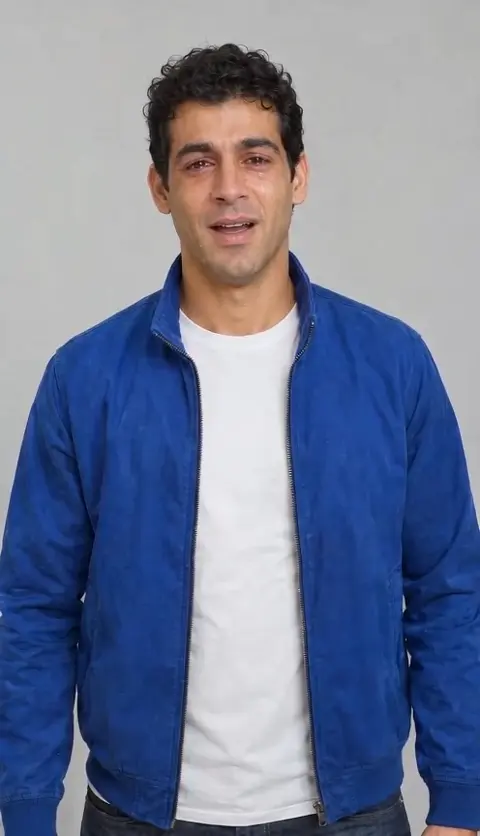
A face-and-shoulders photo with the head clearly visible works best; the crowd covers the lower body.
Strong contrast
Clothing that contrasts with the crowd makes the lead easier to track through the camera moves.
Keep expressions neutral
The reference is a focused performance; a neutral or intense look reads better than a big smile.
FAQ
How many photos do I need?
+
One. Only the central lead is replaced; the crowd is part of the built-in scene.
Are the crowd faces changed?
+
No. The crowd stays as it is in the reference. Faces and movement in the background can still vary slightly between generations.
Does it include the original music?
+
The render is silent. Add the licensed track in your editor or the platform sound library.
Can I upload a group photo?
+
It is not recommended. The effect expects one lead and builds the crowd itself; a group photo makes it unclear which face should drive the performance. A single clear portrait is the safer choice for a readable lead.
Last updated November 2, 2026